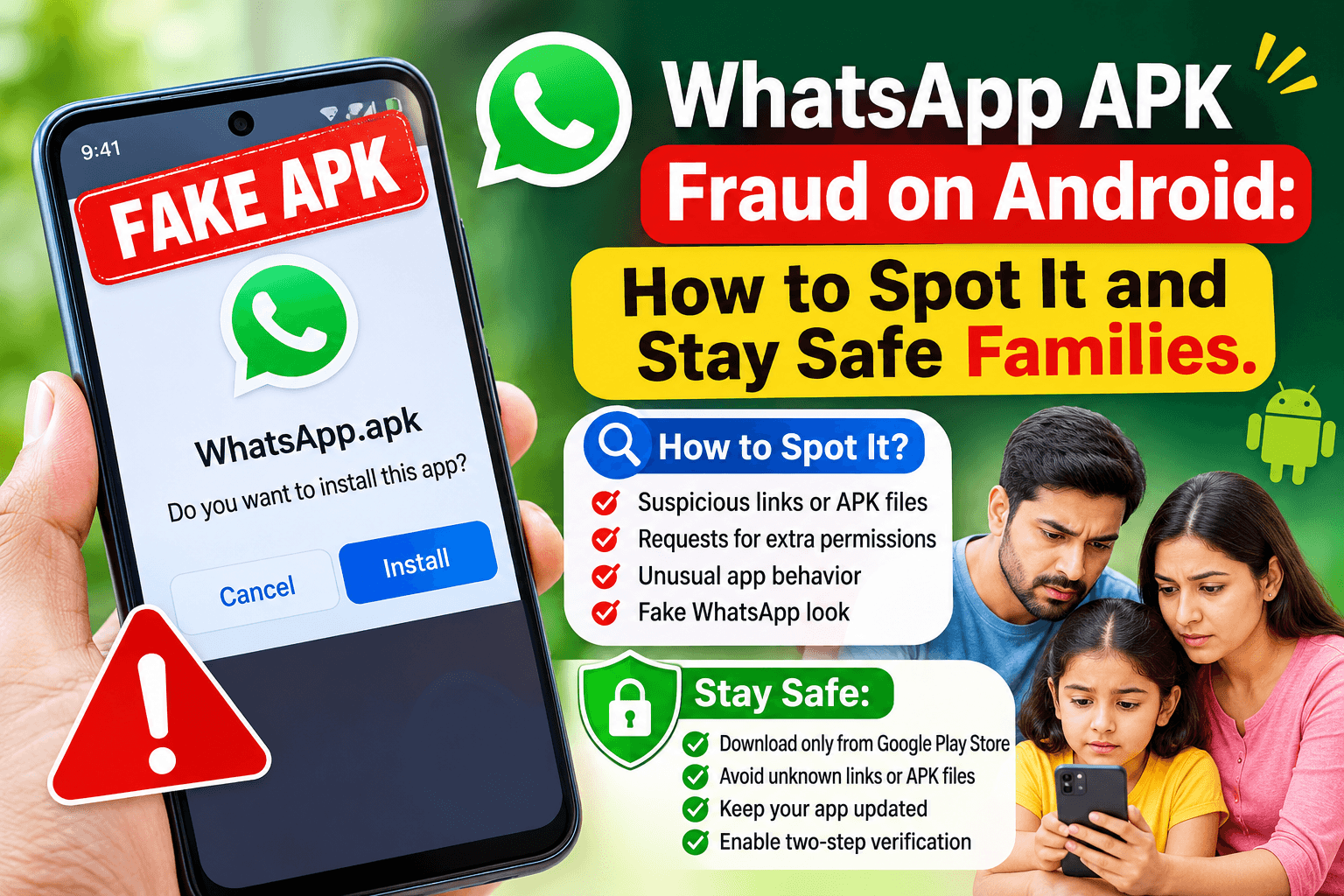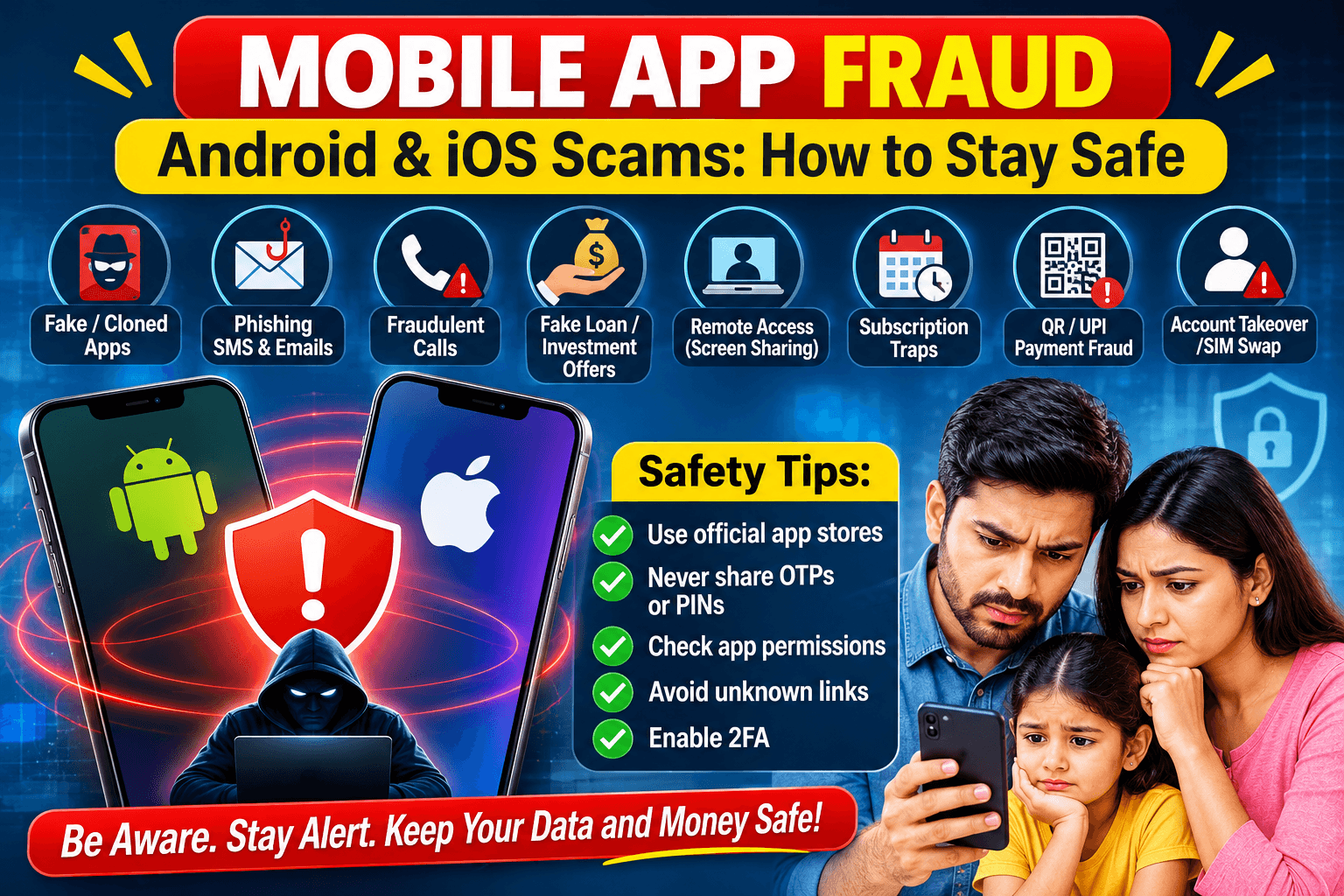
Smartphones now hold our banking, identity, photos and conversations, which makes them a prime target. Fraud is not limited to Android or to one kind of app: scammers use fake apps, messages, calls, ads and even QR codes on both Android and iOS. This guide explains the main types of mobile fraud, how to recognise them, and how to protect yourself and recover if something goes wrong.
1. Fake and cloned apps
Fraudsters publish or distribute apps that copy a real brand: banking, shopping, delivery, government or messaging apps. On Android, these often arrive as APK files sent in chats; on both platforms, some slip into app stores for a short time.
Signs: a misspelled name or developer, very few downloads, copied logos, poor grammar, and requests for permissions the app does not need.
Escape: install only from the official store, check the developer name and download count, and go to the company’s official website to find its real app link.
2. Phishing, smishing and vishing
Fraudulent emails, SMS messages or calls pretend to come from your bank, courier, telecom provider or tax office. They push you to tap a link, enter details on a fake page or install an app.
Escape: never tap links in unexpected messages. Open the official app or type the website yourself. Banks never ask for your PIN, password or OTP.
3. Fake loan apps
Instant-loan apps may ask for access to your contacts, gallery and SMS, then charge hidden fees and harass you or your contacts for repayment.
Escape: borrow only from regulated lenders. Be wary of any app that requests contacts or photo access to give a loan.
4. Investment, crypto and “task” scams
Apps or groups promise guaranteed returns, show fake profit dashboards, then block withdrawals or demand “fees” and “taxes”. Some offer small payments for simple online tasks to build trust before asking you to deposit money.
Escape: no legitimate investment guarantees profits. Check registration with the financial regulator before depositing, and never pay to receive your own money.
5. Remote-access scams
A caller poses as customer support and asks you to install a screen-sharing or remote-control app. Once connected, they can see OTPs, open banking apps and move your money.
Escape: never install a remote-access app because someone told you to. Hang up and call the company on its official number.
6. Subscription traps and fake free trials
Some apps hide recurring charges behind a “free trial”, unclear pricing or fake “virus detected” alerts that push a paid upgrade.
Escape: read the price and renewal terms before confirming. Check your subscriptions regularly in Google Play (Payments and subscriptions) or iPhone Settings (Apple ID, Subscriptions) and cancel what you don’t use.
7. UPI, payment-request and QR code fraud
You get a “collect request” or QR code and are told that approving it will receive money. In reality, entering your PIN sends money out.
Escape: you never need a PIN to receive money. Decline unexpected requests, and be careful with QR codes on stickers, flyers or messages.
8. Account takeover and SIM swap
Attackers use leaked passwords, stolen OTPs or a duplicated SIM to take over your email, social media, WhatsApp or banking accounts.
Escape: use unique passwords with a password manager, turn on two-factor authentication (an authenticator app is safer than SMS), and contact your carrier at once if your SIM suddenly loses signal.
Android vs iOS: what actually differs
Android lets you install apps from outside the Play Store, which is why malicious APKs are a major risk there. iOS is more locked down, but scams still reach iPhone users through phishing links, fake investment or subscription apps, and social engineering. In both cases, the biggest weakness is a person being rushed into acting.
General warning signs
- Urgency: “act now or your account will be blocked”.
- Too-good-to-be-true rewards, cashback or returns.
- Requests for OTP, PIN, CVV or passwords.
- Links or files from unknown or unexpected senders.
- Unnecessary permissions: SMS, contacts, accessibility, device admin.
- Payment requested through gift cards, crypto or personal accounts.
- Pressure to keep the conversation secret or stay on a call.
How to protect yourself
- Official stores only: Google Play and Apple App Store. Keep “Install unknown apps” off on Android.
- Turn on Google Play Protect (Android) and keep your phone and apps updated on both platforms.
- Use two-factor authentication everywhere, preferably with an authenticator app.
- Use a password manager and unique passwords.
- Review permissions periodically and remove apps you do not use.
- Never share OTPs, PINs or screen access. No bank or company needs them from you.
- Set transaction limits and enable bank alerts.
- Use screen lock and enable Find My Device (Android) or Find My iPhone.
- Back up important data so you can reset the phone safely if needed.
What to do if you have been scammed
- Act immediately: call your bank, block cards and UPI, and ask to freeze suspicious transactions.
- Report: in India, call the national cybercrime helpline 1930 and file a complaint at cybercrime.gov.in. Elsewhere, contact your local cybercrime authority.
- Disconnect and clean the phone: turn off data, uninstall the suspicious app, run a security scan, and if needed restore or factory reset after backing up.
- Change passwords from a clean device, starting with email and banking, and sign out of all sessions.
- Secure your SIM and accounts: contact your carrier, re-enable two-factor authentication and review recovery options.
- Warn contacts if your messaging or social accounts were used.
- Keep evidence: screenshots, numbers, transaction IDs and links, to share with the bank and police.
Key takeaway
Mobile fraud succeeds by creating panic or greed. Slow down, verify through an official channel, and never share codes or give remote access. When in doubt, hang up, close the app and check directly with the company.
This article is for awareness only. If you have lost money, contact your bank and the cybercrime authorities immediately.
About Author