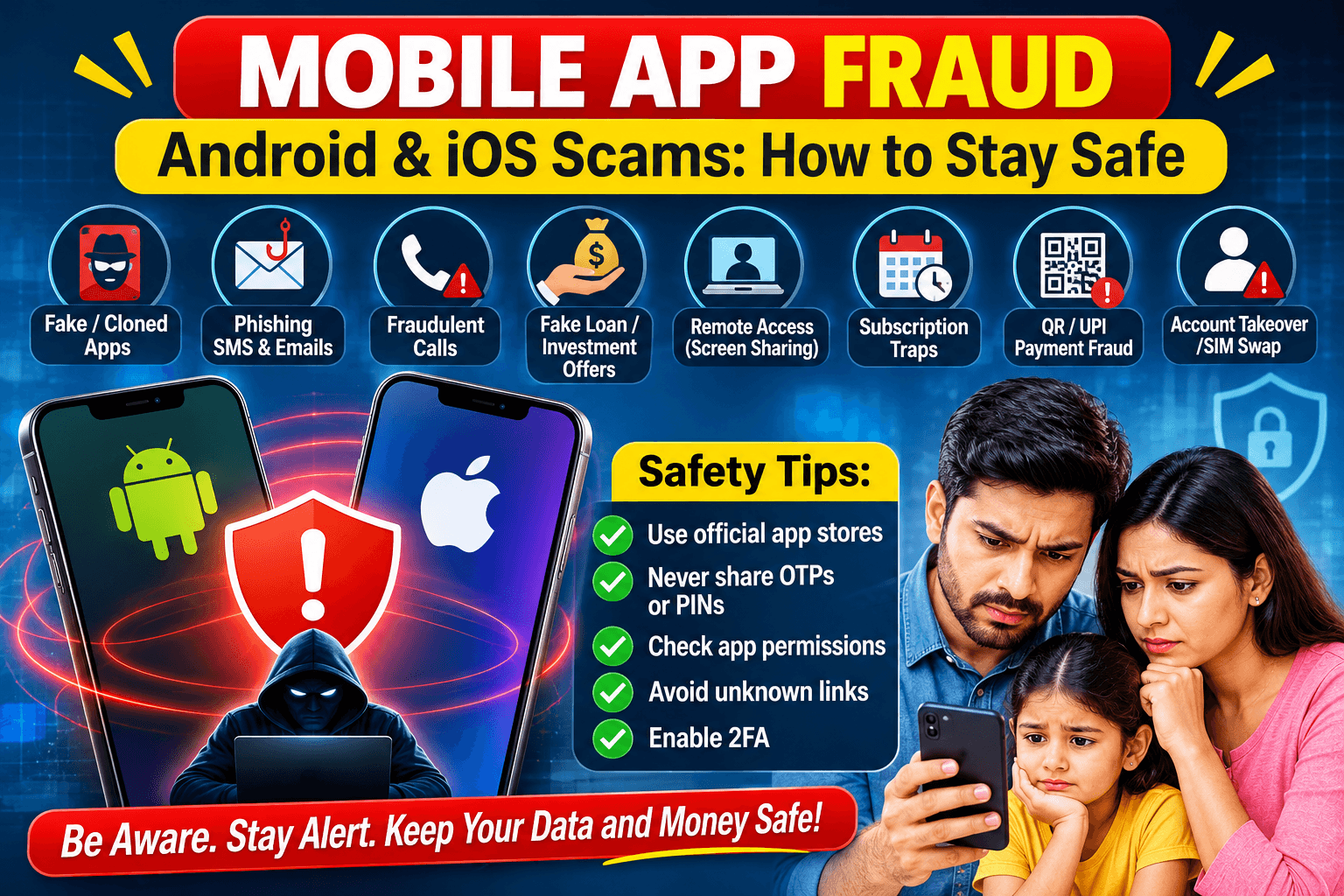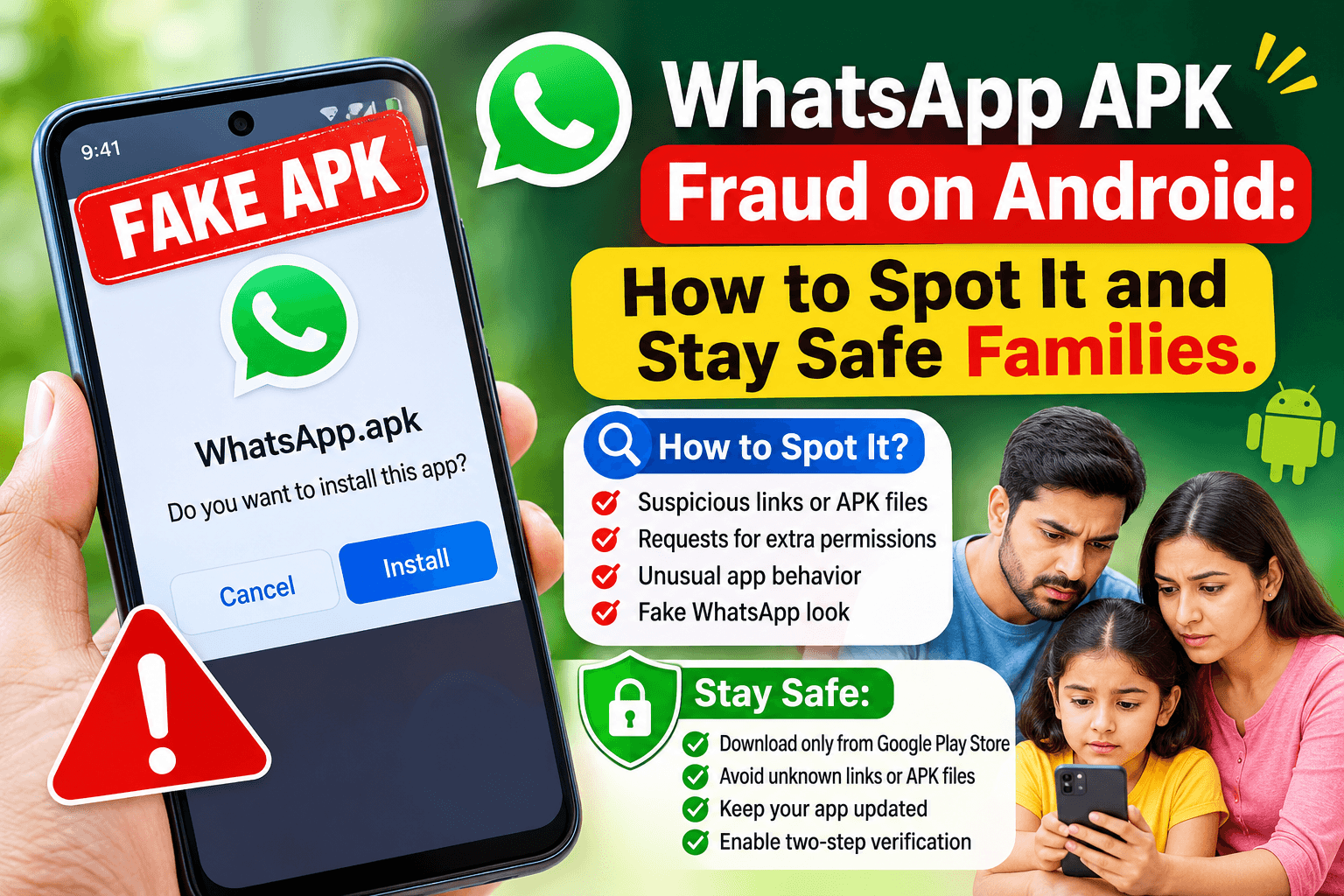
An APK is the installation file for an Android app. Normally you install apps from the Google Play Store. Fraudsters exploit this by sending a file or link that claims to be WhatsApp, a “new version” or a “special feature”. It is actually malicious software built to steal your information or money.
What is WhatsApp APK fraud?
Scammers send an APK file or a download link through WhatsApp chats, SMS or email. Once installed, the fake app can read messages and OTPs, take over your WhatsApp account and spread to your contacts.
How the scam usually works
- A message arrives from a “contact” or unknown number with a file ending in
.apkor a download link. - It promises something attractive: “WhatsApp Pro”, “WhatsApp Gold”, a “new update”, a “wedding invitation”, a “bank KYC update”, a “bill pending” notice or a government scheme.
- It pressures you with lines like “Your account will be blocked today”.
- The app asks for powerful permissions such as SMS, notifications, contacts or accessibility services.
- The damage follows: OTP theft, banking alerts read, WhatsApp hijacked, contacts messaged, unauthorised transactions.
Warning signs
- A WhatsApp “update” that arrives as a file or link in a chat. Real updates only come through the Google Play Store.
- A file name ending in
.apk, or a link to an unfamiliar website. - An odd or generic message from a friend. Their account may already be compromised.
- A request to enable “Install from unknown sources”.
- An app asking for SMS, accessibility or device-admin permissions it does not need.
- Urgent language, threats or promises of rewards and free upgrades.
How to protect yourself
- Install and update WhatsApp only from the Google Play Store.
- Never open or install an APK received through chat, SMS or email, even from someone you know.
- Keep “Install unknown apps” turned off for WhatsApp, your browser and file manager.
- Turn on Google Play Protect (Play Store, profile icon, Play Protect).
- Enable two-step verification in WhatsApp (Settings, Account, Two-step verification).
- Never share OTPs or your WhatsApp verification code with anyone.
- Review app permissions and remove any app with access it clearly does not need.
- Verify suspicious messages with the sender through a phone call.
What to do if you already installed a suspicious APK
- Disconnect from Wi-Fi and mobile data right away.
- Uninstall the app (Settings, Apps). If it will not uninstall, remove its device-admin or accessibility access first, or restart in Safe Mode and try again.
- Run a Play Protect scan or a scan with a trusted security app.
- Change passwords for your email, banking and social accounts from a clean device.
- Contact your bank immediately if you see unusual activity or shared banking details, and ask them to block cards and UPI if needed.
- Re-register WhatsApp on your number, which logs out other devices, and turn on two-step verification.
- Warn your contacts so they do not install anything sent from your account.
- Report it. In India, call the cybercrime helpline 1930 or file a report at cybercrime.gov.in. You can also report the contact inside WhatsApp.
- If the damage is serious, back up photos and contacts and factory reset the phone.
Key takeaway
WhatsApp will never ask you to install an update from a file or link in a chat. If it did not come from the Play Store, do not install it.
This article is for awareness only. If you have lost money, contact your bank and the cybercrime authorities immediately.
About Author